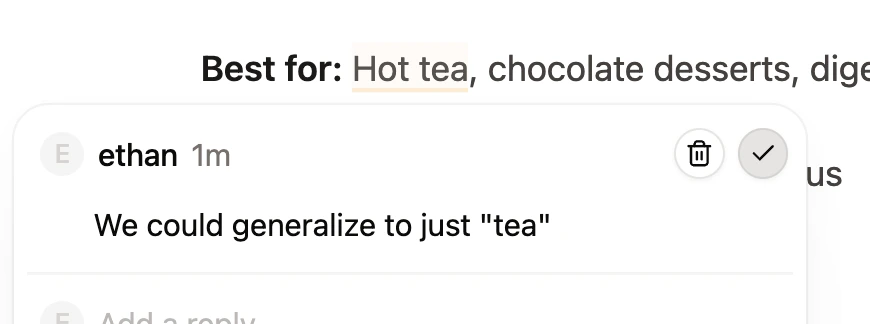
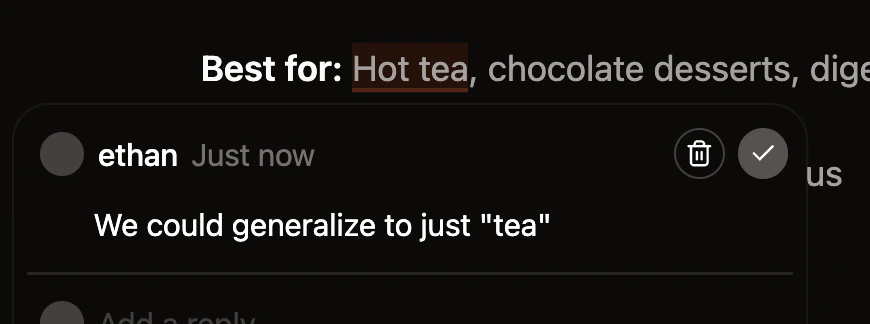
Comments let you and your team leave feedback on specific text in a page without editing the content. Use comments to ask questions, flag issues, or discuss changes before you publish them. All roles—-viewers, editors, and admins—-can leave and reply to comments. Only editors and admins can resolve comment threads. If your branch has an open pull request on GitHub, Mintlify adds a summary of unresolved comment threads to the pull request description. The summary lists the files with open comments, the first comment in each thread, and a link to open that file in the editor with the comment sidebar open. The summary updates automatically when you add, resolve, or delete a comment.Documentation Index
Fetch the complete documentation index at: https://mintlify-mintlify-doc-products-public-1774055462.mintlify.app/llms.txt
Use this file to discover all available pages before exploring further.
Add a comment
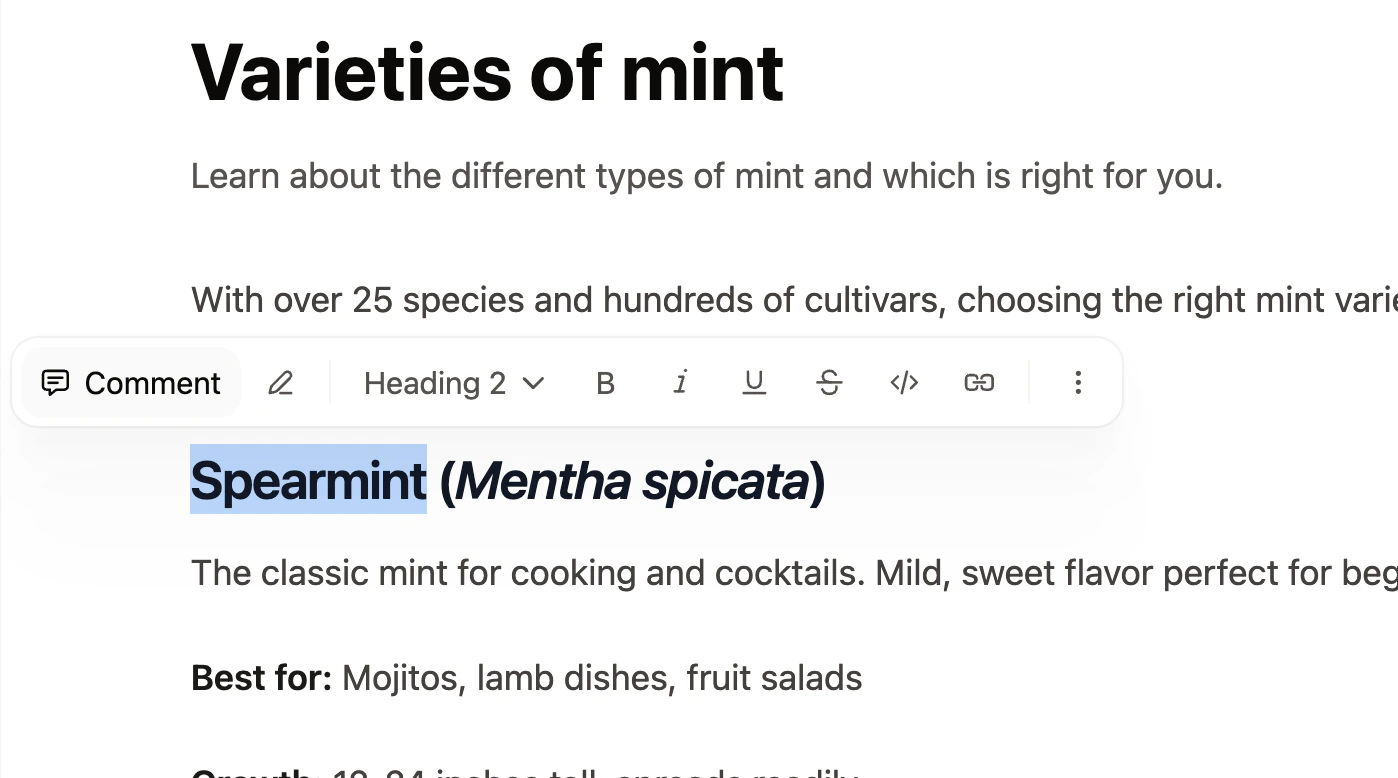
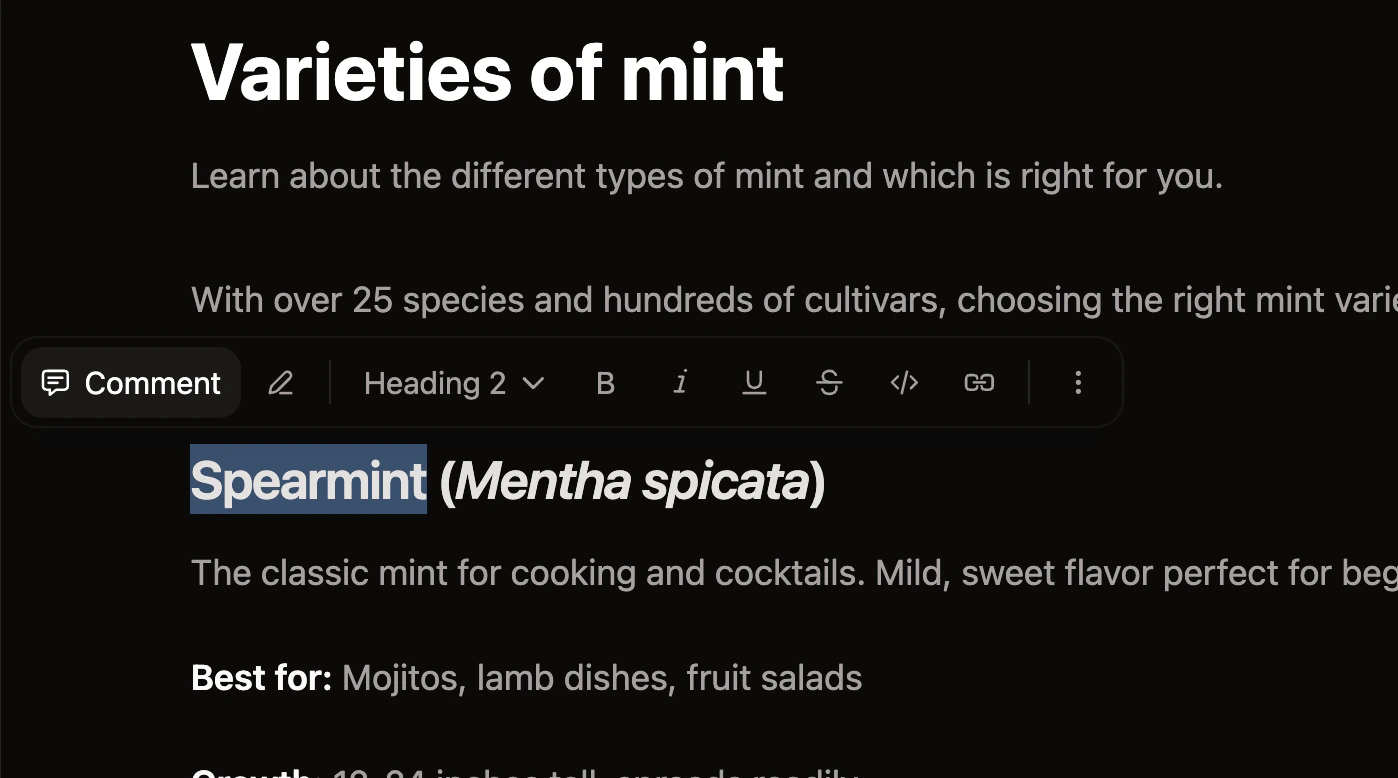
- Highlight the text you want to comment on.
- Click Comment in the toolbar that appears.
- Type your comment and press Enter to submit.
Reply to a comment
Open a comment thread by clicking the highlighted text or clicking the thread in the comment sidebar. Type your reply and press Enter to submit.

Mention a teammate
Type@ in a comment or reply to mention a teammate. Select their name from the list that appears. People must be a member of your organization for you to mention them.
Mentioned teammates receive an email notification.
Resolve a comment
Editors and admins can resolve threads when a discussion is complete. Click the checkmark icon to resolve a thread.