

Suggestions let you propose changes to text without modifying the existing content. Teammates can review, accept, or reject your suggestions. If your branch has an open pull request on GitHub, Mintlify adds a summary of open suggestions to the pull request description. The summary lists the files with suggestions, a preview of each suggested change, and a link to open that file in the editor. The summary updates automatically when you add, accept, or reject a suggestion.Documentation Index
Fetch the complete documentation index at: https://mintlify-mintlify-doc-products-public-1774055462.mintlify.app/llms.txt
Use this file to discover all available pages before exploring further.
Enable suggesting mode
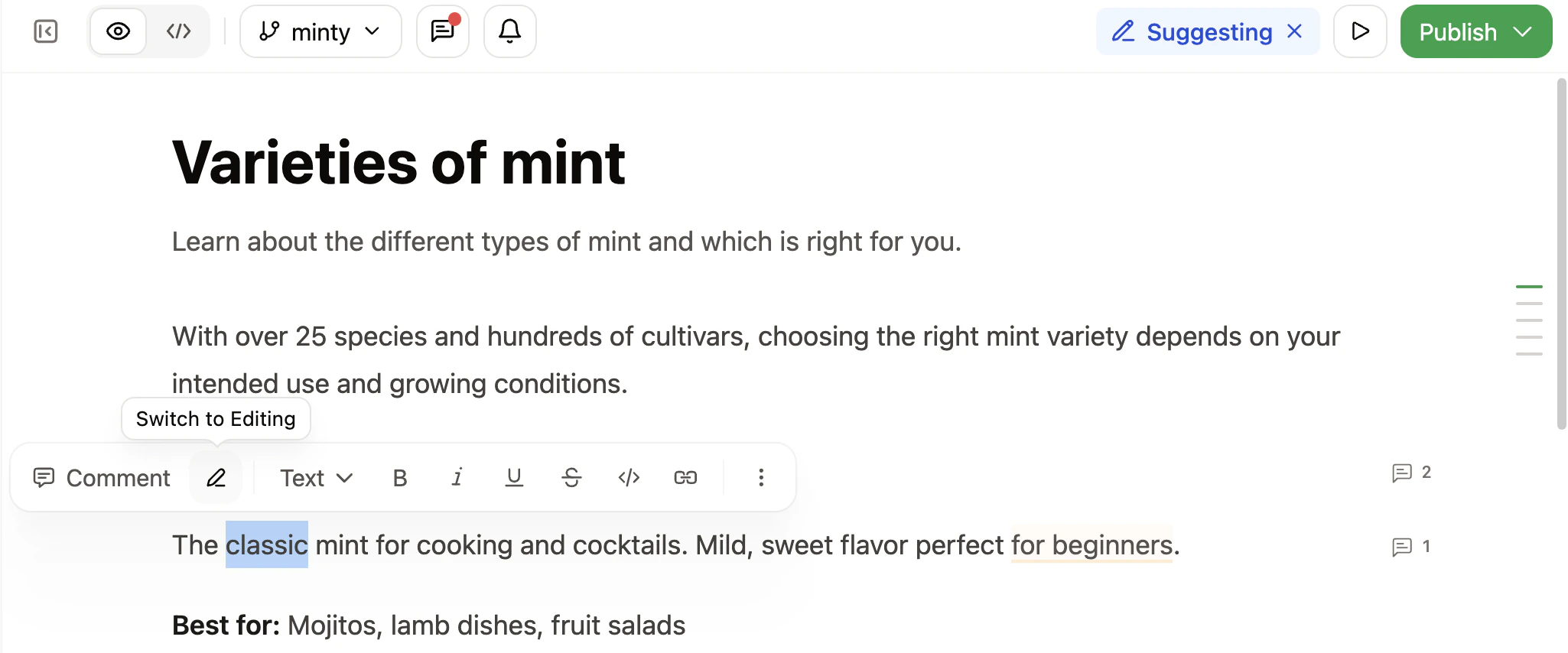
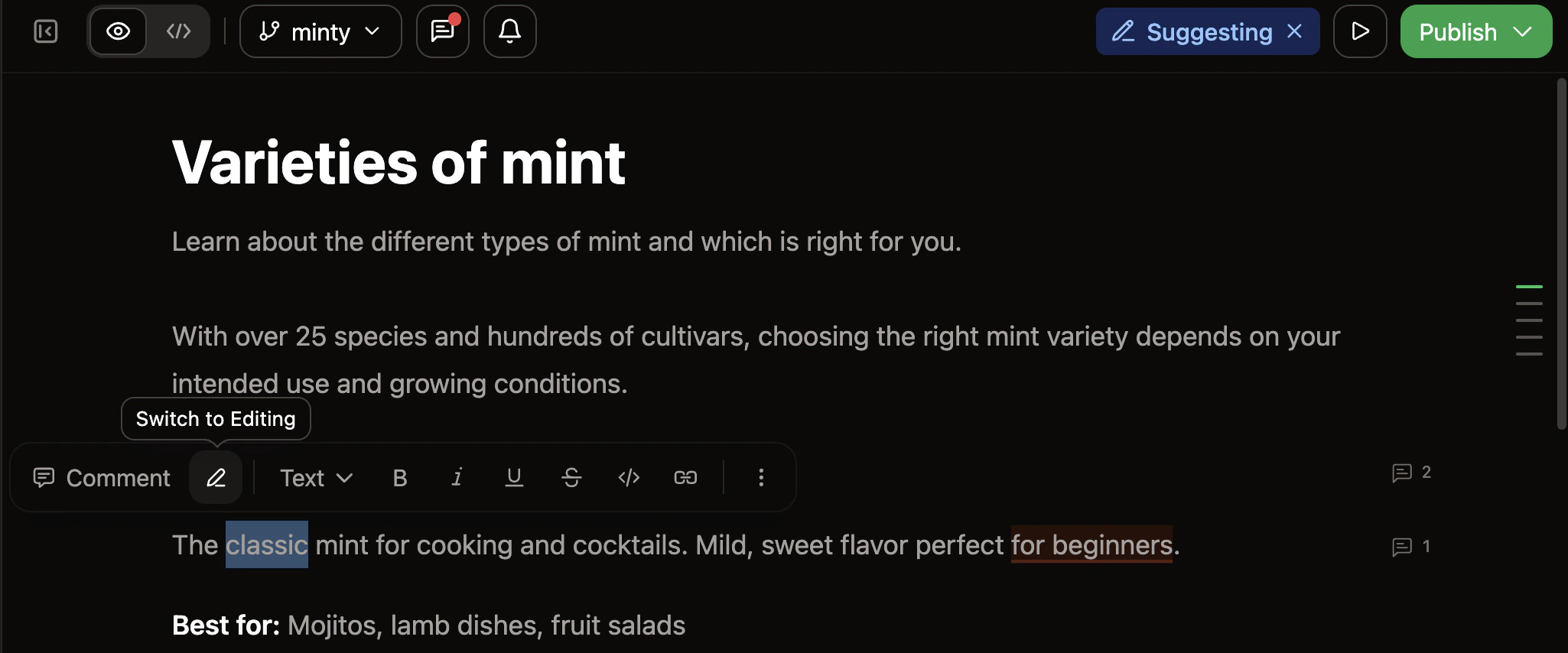
- Highlight any text on the page.
- Click the Switch to Suggesting button, the pen icon, in the toolbar that appears.
Make a suggestion
With suggesting mode enabled, edit any text. Any deletions or insertions appear with distinct highlighting so that reviewers can see what changes you propose.Accept a suggestion
- Click highlighted suggestion text.
- Click the accept button, the checkmark icon, to apply the suggested change.
Reject a suggestion
- Click highlighted suggestion text.
- Click the reject button, the trashcan icon, to discard the proposed change.